Which Model Mac Pro Do I Own?
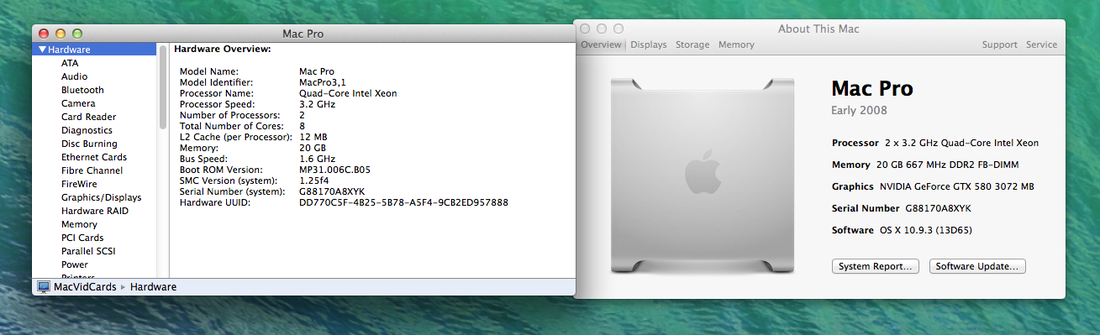
Before purchasing a new graphics card for your Mac Pro it is important to verify which model of the Mac Pro you own. This can be checked by following these steps:
- Open the Apple Menu in the top left hand corner of your screen.
- Click "About This Mac."
- Click "More Info."
- Click "System Report."
- You will find yourself on the "Hardware Overview" window. The "Model Identifier" will indicate whether you own a MacPro1,1, 2,1, 3,1, 4,1, or 5,1.